AInews showdown: Gemini Omni Flash or Kling 3.0 for next‑gen video control?
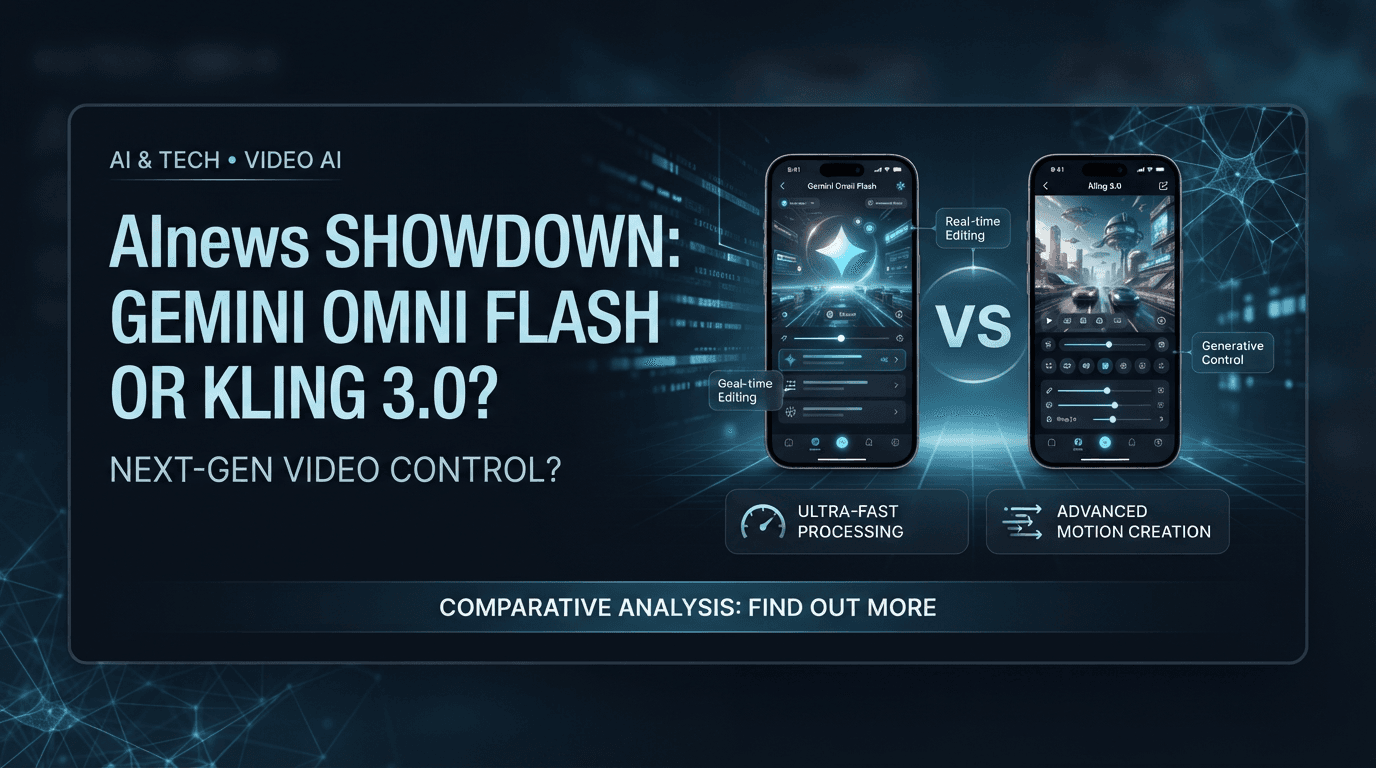
On 19 May 2026, Google began rolling out Gemini Omni Flash to its apps and APIs for conversational video generation and editing, while Kuaishou’s Kling 3.0, launched on 4–5 February 2026, pushed multi‑shot continuity and cinematic storyboards into the mainstream AInews race.
What exactly are Gemini Omni Flash and Kling 3.0?
Gemini Omni Flash is Google’s fast, text‑and‑image‑to‑video model built for interactive editing, now generally available as Gemini Omni 1.1 Flash. Kling 3.0 is Kuaishou’s third‑generation family of multimodal video and image models, centered on the Video 3.0 and Video 3.0 Omni engines for short, native 4K clips with storyboard controls.
Both systems sit at the frontier of AI video.
- According to Google’s Gemini model announcement in May 2026, Gemini Omni Flash turns text prompts and optional reference images into short video clips and lets users "easily edit your videos through conversation" in the Gemini app, Google Flow and YouTube tools.
- According to Google’s developer documentation, the Gemini Omni Flash API is described as a video "generation and editing" model that refines clips via natural‑language conversations and supports video extension.
- According to Google’s August 27, 2026 release notes, Gemini Omni 1.1 Flash has reached general availability and replaces the earlier preview endpoint, which will be deprecated on September 30, 2026.
- According to AI Wiki’s Kling 3.0 entry updated September 11, 2026, Kling 3.0 includes Video 3.0, Video 3.0 Omni, Image 3.0 and Image 3.0 Omni, all built on a unified multimodal architecture that outputs short clips with native 4K resolution and synchronized multilingual audio.
- According to Genra’s February 20, 2026 guide, Kuaishou timed the Kling 3.0 public release to February 5, 2026, with text‑to‑video, image‑to‑video and reference‑driven modes across the lineup.
How does Gemini Omni Flash handle video editing and user control?
Gemini Omni Flash focuses on conversational editing: users can ask for changes, extend scenes, and adjust frames using natural language, with support for incremental 10‑second extensions up to 40 seconds in Gemini Omni 1.1 Flash. This makes Google’s model feel like an interactive editor rather than a one‑shot generator.
Editing in Gemini’s ecosystem is built around back‑and‑forth dialogue.
- According to Google’s Omni 1.1 Flash blog on August 27, 2026, the model delivers "studio‑quality video production" and lets users extend videos in 10‑second increments, up to a cumulative 40 seconds, while analyzing up to 10 seconds of prior context instead of just the last second.
- According to the same post, Gemini Omni 1.1 supports features such as first‑and‑last‑frame interpolation and 4K output in supported environments, improving continuity between edits.
- According to Google’s Gemini Omni product blog from May 19, 2026, users can "easily edit your videos through conversation" and are already seeing the model integrated into the Gemini app, Google Flow and YouTube Shorts, with rollout to Google AI Plus, Pro and Ultra subscribers globally and free use in some YouTube tools.
- According to the Gemini Omni Flash API documentation, developers can refine and edit generated videos by sending natural‑language instructions in an ongoing interaction, positioning the model as a dynamic editor that supports video extension as well as generation.
- According to a July 16, 2026 Google Workspace announcement, Gemini Omni Flash now powers Google Vids, where users can edit videos using simple text prompts and generate new clips featuring personal avatars that look and sound like them.
- According to ilisai’s explainer updated September 2, 2026, the service’s video generator now uses Gemini Omni 1.1 Flash and bills at least 10 seconds per clip, indicating that Google’s fast model is already deployed in third‑party platforms.
This conversational workflow favors creators who expect to iterate rapidly, like social video editors or marketing teams that want many small changes without rebuilding clips from scratch.
What does Kling 3.0 offer in multi‑shot continuity and storyboarding?
Kling 3.0’s Video 3.0 and Video 3.0 Omni models emphasize multi‑shot generation: up to six connected shots in a single clip, with stable character identity, lighting and environment across cuts. Shot planning can be automatic or fully custom, turning prompts into structured mini‑sequences.
Multi‑shot tools make Kling feel like a pre‑visualization engine for directors.
- According to Kling’s Video 3.0 user guide last updated August 26, 2026, the model supports two modes for multi‑shot video: "Multi‑Shot" and "Custom Multi‑Shot". When Multi‑Shot is enabled, it automatically plans transitions and creates multi‑scene content; Custom Multi‑Shot lets users configure shot counts and durations.
- According to Kling’s July 28, 2026 multi‑shot guide, Multi‑Shot structures a scene through camera coverage, shot changes and narrative progression, reading coverage and shot information from the prompt to adjust angles and compositions for cinematic storytelling.
- According to Morphic’s August 2026 Kling 3.0 guide, Kling Video 3.0 supports multi‑shot sequences of up to six camera cuts per generation, with text‑to‑video, image‑to‑video and start‑and‑end‑frame‑to‑video modes within a maximum duration of 15 seconds per clip.
- According to Invideo’s May 28, 2026 overview, Kling 3.0 can generate up to six connected shots while letting users either describe the scene and let the model plan cuts or specify each shot’s framing, duration and camera movement for precise shot‑list execution.
- According to Kling3Pro’s March 26, 2026 feature page, Kling 3.0 multi‑shot generation defines up to six individual shots inside a single 15‑second clip, each with its own prompt and camera angle, while locking character appearance, wardrobe and environment continuity via scene‑level identity encoding.
- According to AI Wiki and Synthszr’s product ranking updated September 6, 2026, Kling 3.0’s unified architecture produces native 4K video at up to 60 frames per second and supports multi‑shot storyboards with up to six camera cuts, reinforcing its role in high‑fidelity continuity.
These continuity guarantees matter for ad agencies, pre‑viz teams and independent filmmakers that need a sequence of connected shots, not just isolated clips.
How do lengths, resolution and audio capabilities compare?
Gemini Omni Flash emphasizes flexible duration via extensions and focuses on fast 720p clips in many deployed services, while Kling 3.0 centers on short but dense native 4K sequences up to 15 seconds with synchronized multilingual audio. The technical trade‑offs shift who benefits most from each system.
- According to Google’s Omni 1.1 Flash blog, users can extend a video by 10‑second increments, up to 40 seconds total, with Omni analyzing up to 10 seconds of prior context to keep motion and composition aligned.
- According to ilisai’s July 19, 2026 article, the original Gemini Omni Flash preview produced short 720p clips from text prompts or reference images and, as of a September 1 update, every video generated with Gemini Omni 1.1 Flash bills at least 10 seconds of output.
- According to AI Wiki’s Kling 3.0 profile, the new generation moved from roughly 10‑second 1080p clips in Kling 2.6 to 15‑second native 4K clips in Kling 3.0, adding synchronized lip‑synced audio across five languages.
- According to Morphic’s technical table, Kling 3.0’s Video 3.0 model supports durations between 3 and 15 seconds, aspect ratios such as 16:9, 9:16 and 1:1, and native 4K resolution with other options at 1080p and 720p.
- According to Synthszr’s September 6, 2026 ranking, Kling 3.0 natively generates 4K video at up to 60 frames per second with synchronized audio and supports up to six camera cuts per clip.
Users chasing maximum resolution and integrated audio will lean toward Kling; teams optimizing for iterative editing inside existing Google tools may accept lower resolution in exchange for speed and integration.
Where are these models available and how are they priced?
Gemini Omni Flash is woven into Google’s subscription tiers and tools, from the Gemini app to YouTube products and Google Vids, while Kling 3.0 is accessible through Kuaishou’s platforms and partner APIs aimed at creators and developers. Commercial terms vary, but both target professional and prosumer use.
- According to Google’s May 19, 2026 Gemini Omni launch blog, Gemini Omni Flash started rolling out to Google AI Plus, Pro and Ultra subscribers globally through the Gemini app and Google Flow, and became available at no cost in YouTube Shorts and the YouTube Create app.
- According to the July 16, 2026 Google Workspace blog, Gemini Omni Flash now powers Google Vids, giving Workspace users access to text‑prompt‑based editing and avatar generation within a productivity suite.
- According to Gemini API release notes, Gemini Omni 1.1 Flash reached general availability in early September 2026, signaling that production billing and quotas now apply as the preview endpoint approaches deprecation.
- According to Kuaishou’s February 9, 2026 feature guide, Kling 3.0 was officially launched on February 4, 2026 at 11:00 PM Beijing time, with API access for developers beginning February 5, 2026.
- According to Genra’s February 20, 2026 overview, Kling 3.0’s rollout prioritized "Ultra" subscribers before opening more broadly, positioning the models as premium tools for serious creators.
- According to Morphic’s guide, third‑party platforms integrate Kling 3.0’s modes into their own interfaces, offering creators control over duration, resolution and multi‑shot features alongside their own pricing.
- According to Synthszr’s September 2026 ranking, Kling 3.0 appears in AI product lists targeted at production users, indicating its positioning in professional and semi‑professional video workflows.
These distribution strategies matter. Google is tying video AI tightly to its productivity and social stacks, while Kuaishou and its partners push Kling into dedicated creative and editing environments where users may build entire pipelines around it.
Who gains more from editing flexibility, and who needs multi‑shot continuity?
Creators who iterate quickly on single clips—with frequent text‑driven tweaks, avatar changes and scene extensions—gain most from Gemini Omni Flash’s conversational editing and deep integration in Google tools. Teams planning storyboards or ad sequences benefit more from Kling 3.0’s multi‑shot continuity and 4K, audio‑rich outputs.
Different workflows point to different winners.
- For social managers and short‑form creators inside YouTube and Workspace, Gemini’s ability to extend scenes, interpolate frames and apply natural‑language edits—"make this shot closer," "brighten the background"—reduces friction in turning rough ideas into polished clips.
- For cinematographers, agencies and pre‑viz teams, Kling’s combination of up to six connected shots, locked character identity and 4K visuals means they can block out miniature storyboards, test camera coverage and maintain continuity shot by shot.
- According to Invideo’s comparison, Kling 3.0 explicitly contrasts multi‑shot support against single‑shot models, highlighting that it can either auto‑plan coverage or follow a detailed human‑written shot list.
- According to Google’s Omni 1.1 blog, the extended context window and interpolation tools are framed around "studio‑quality" production for creators who may not want to think in discrete shots but still care about smooth motion and consistent framing in the finished video.
No single model wins outright. The choice turns on whether a creative team thinks in clips with conversational edits or in sequences of shots with tight continuity and high‑end visuals.